
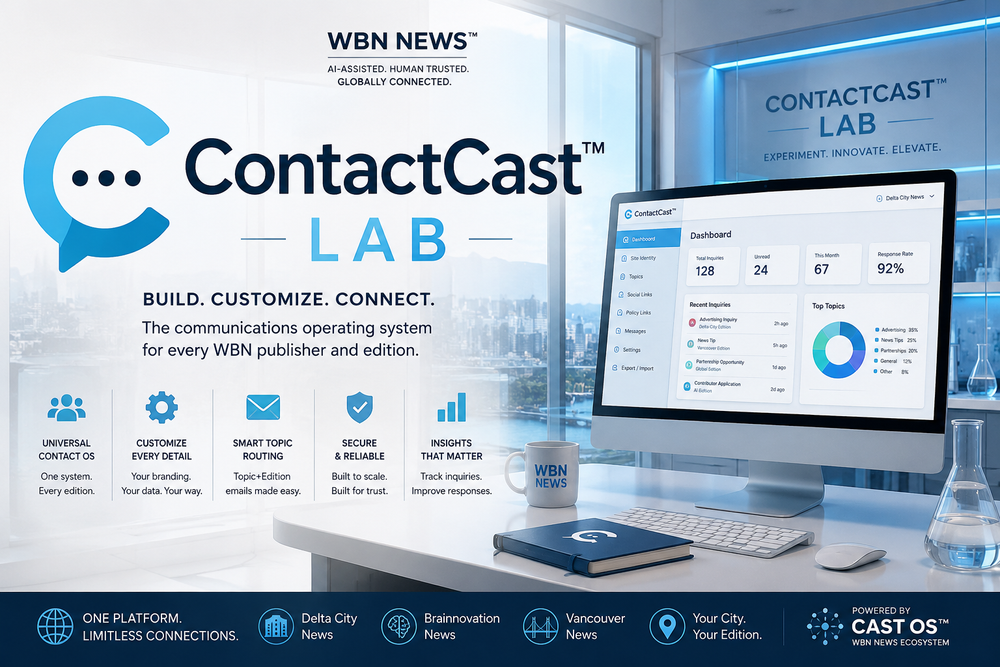
ContactCast™ is a reusable communications platform designed for WBN News™, licensed publishers, and local news editions. It combines a professional public-facing Contact Us page with an administrative backend that allows each publication to manage contact information, department emails, social media links, inquiry routing, and publisher-specific settings without editing code.
Built on the WBN Style Guide and Cast OS™ standards, ContactCast™ is intended to become the standard contact and communications module across the entire WBN ecosystem, making it easy to deploy, customize, and maintain across multiple publications.
WBN News Corp Inc.™
ContactCast™
Community Powered.
WBN ContactCast™:
Reach the right desk. Editorial · Advertising · Contributors · Publishers · Partnerships · Support.
Sync: loading…
WBN News™ · Contact Desk
Contact Us
Reach the right desk for editorial inquiries, advertising, contributor opportunities, publisher partnerships, support, and general business communication.
Choose The Right Desk
Topic + Edition@wbnn.news
For each local edition, WBN email addresses follow a clear routing pattern. Example: AdvertisingDeltaCity@wbnn.news.
Send A Message
Select a desk below
Select a topic and edition. Your email client will open with the correct desk address pre-filled.
Current routing: —
✓ Message Ready
Your email client should now be open. Thank you for reaching out to WBN News™.
Connect With Us
About
About WBN News™
WBN News™ is a next-generation business news and intelligence network built for entrepreneurs, professionals, publishers, creators, and communities. WBN uses modern publishing systems and AI-assisted workflows while keeping human oversight, editorial judgment, and community relevance at the centre.
Standards & Policies
Admin — ContactCast™
Logged in.
Ticker Message
Sponsor Button
JSONBin Sync — Live Data for All Browsers
One JSONBin account. One bin per cast. Every browser loads the same data automatically. Push after each edit session.
Setup: go to jsonbin.io → free account → Account → API Keys → copy your Master Key. Leave Bin ID blank on first push — created automatically. After first push, copy the Bin ID and hardcode it as
DEFAULT_BIN_ID in the CAST CONFIG block at the top of this file.Sponsor Analytics
Publication Identity
Email Domain
Domain appended to all routing addresses. Default:
wbnn.newsEdition Settings
Contact Desks / Departments
Each category maps to an email address: TopicKey + EditionKey @domain. Optional URL adds a second link to the desk card.
Add New Desk
Editions
Edition keys appear in the routing selector. Key must be alphanumeric, no spaces.
Add New Edition
Form Visibility
Enable Contact FormWhen off, displays a "contact form unavailable" message instead.
Required Fields
Confirmation Message
Shown after the reader clicks "Open Email Client".
Social Media Links
Leave URL blank to hide a channel. Changes apply immediately on save.
About The Publication
Policy Links
Each row is a link in the Standards & Policies section. Leave URL blank to hide.
Data Management
Backup and restore all ContactCast data — publication info, categories, social links, form settings, and more.
Danger Zone
Role Passwords
Super Admin
Full access — all tabs, clear data, permissions.
Admin
Marketing, sponsorship, publication, categories, form, social, content, data.
Editor
Categories, form settings, social, content only.